Update: Image Captions on Bear Blog
Several awesome fellow Bear Bloggers responded to my post about image captions, with alternative ways to do it with CSS instead of html.
Sylvia sent me this CSS:
p:has(img) + p {
margin-top: -15px;
font-size: 95%;
text-align: center;
font-style: italic;
}
This gets it looking exactly how it did in my example in my previous post. And if I want additional space between the captioned image and the next image or paragraph below, I've been adding a space and after the captioned image in the post's typing space.

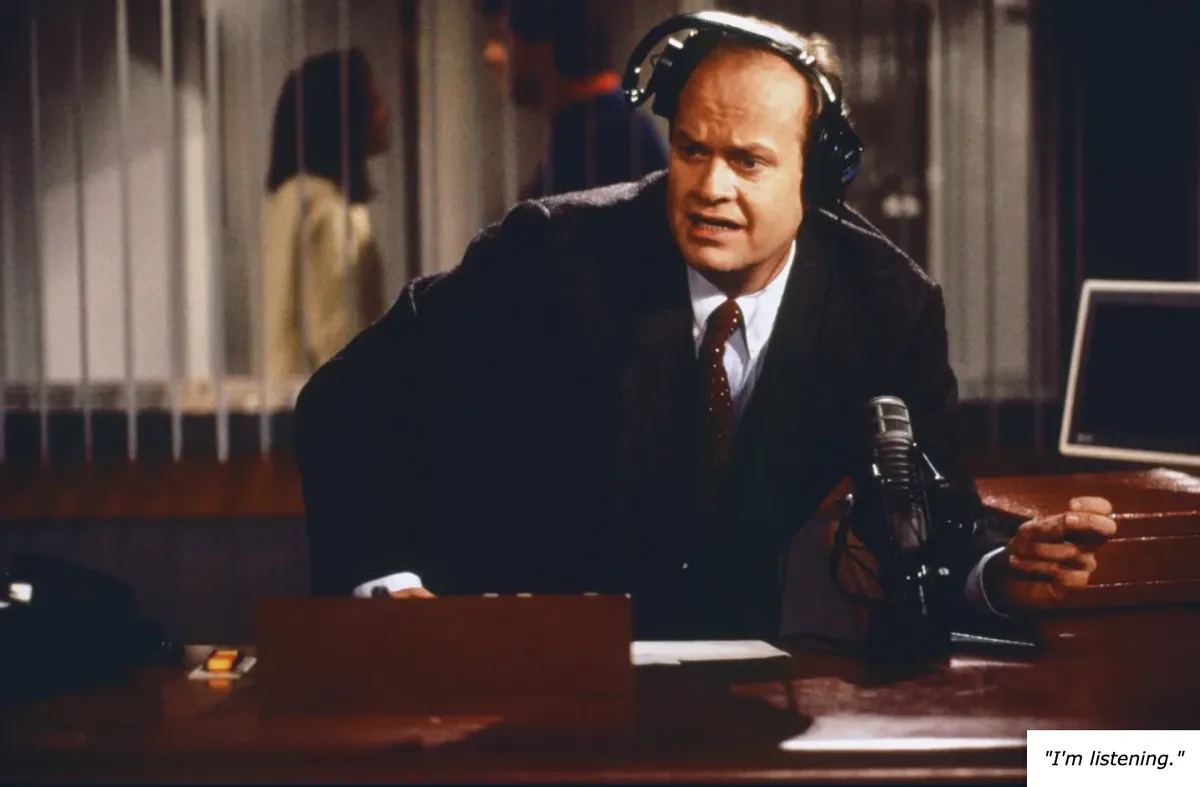
"I'm listening."
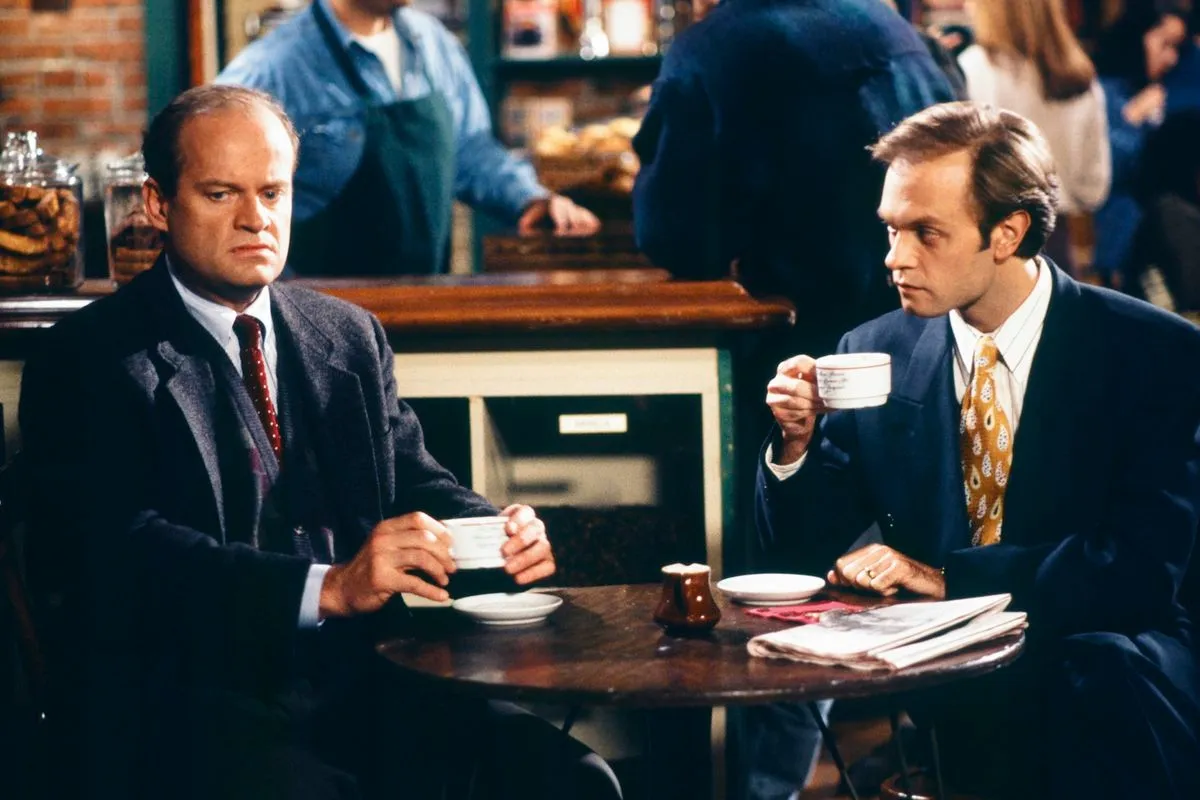
"So I decided to rebel tonight."
Entering it in a post would look like:

caption text

caption text 2
René also shared how he adds copywrite information to his pictures, which could also be used as a caption, with different color options. This time, the caption is layered on the image, located at the bottom-right.
img + em {
display: block;
text-align: right;
font-size: 0.7em;
margin-top: -3.5em;
margin-bottom: 2em;
position: relative;
z-index: 10;
font-weight: 400;
background: white;
color: #000;
padding: 8px 10px;
width: fit-content;
margin-left: auto;
margin-right: 0;
box-shadow: -3px 0 0 rgba(0,0,0,0.1);
border-right: 0.2px solid rgba(0, 0, 0, 0.15);
}
The resulting look is:
Entering it into a post would look like:

*caption text*
Suliman also reached out, recommending I check out Bearming theme resources.
Thanks y'all for the help and additional options! I'm learning a lot here and loving it.